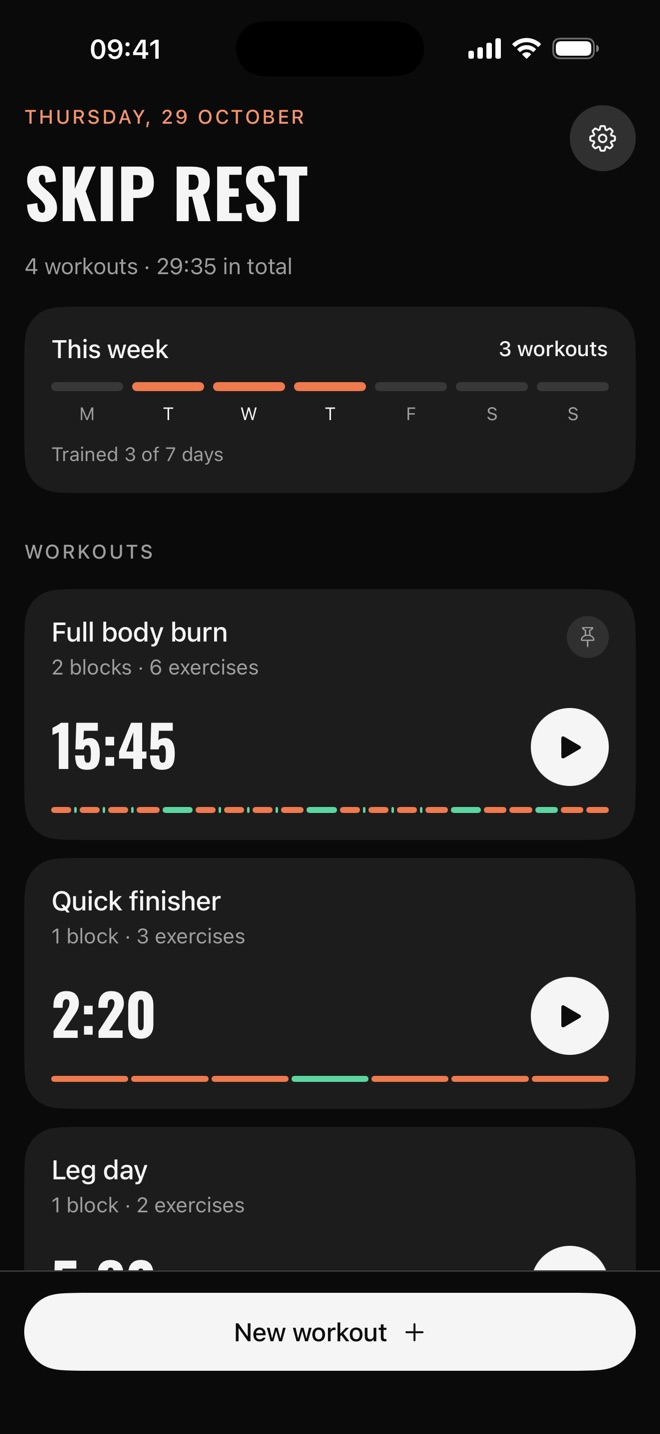
Supersets and sets
Group exercises into blocks, repeat them for as many sets as you like, and set rest between exercises and after each set. Naming exercises is optional.
Free · No login · iPhone
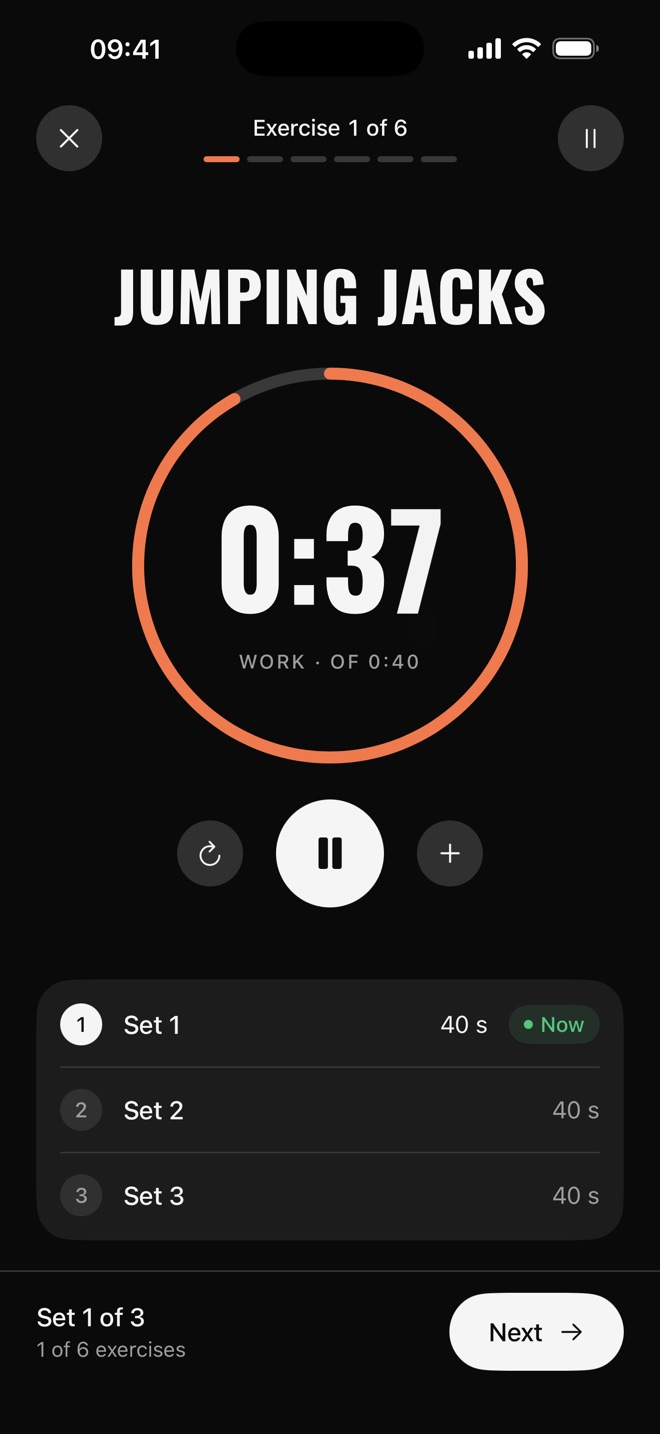
Set timed exercises, sets and rest, then follow a big countdown and get on with your workout.
Features
Group exercises into blocks, repeat them for as many sets as you like, and set rest between exercises and after each set. Naming exercises is optional.
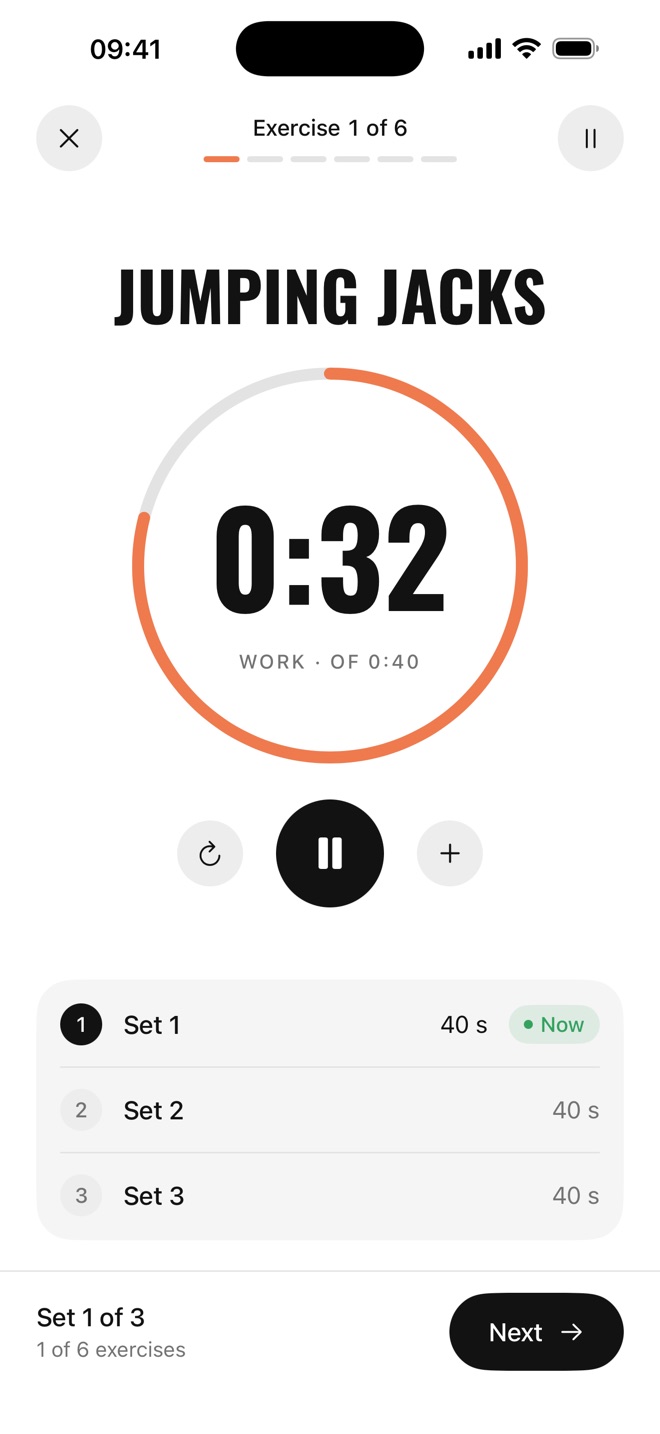
Huge numbers inside a ring that empties as time runs out. Read it from across the room.
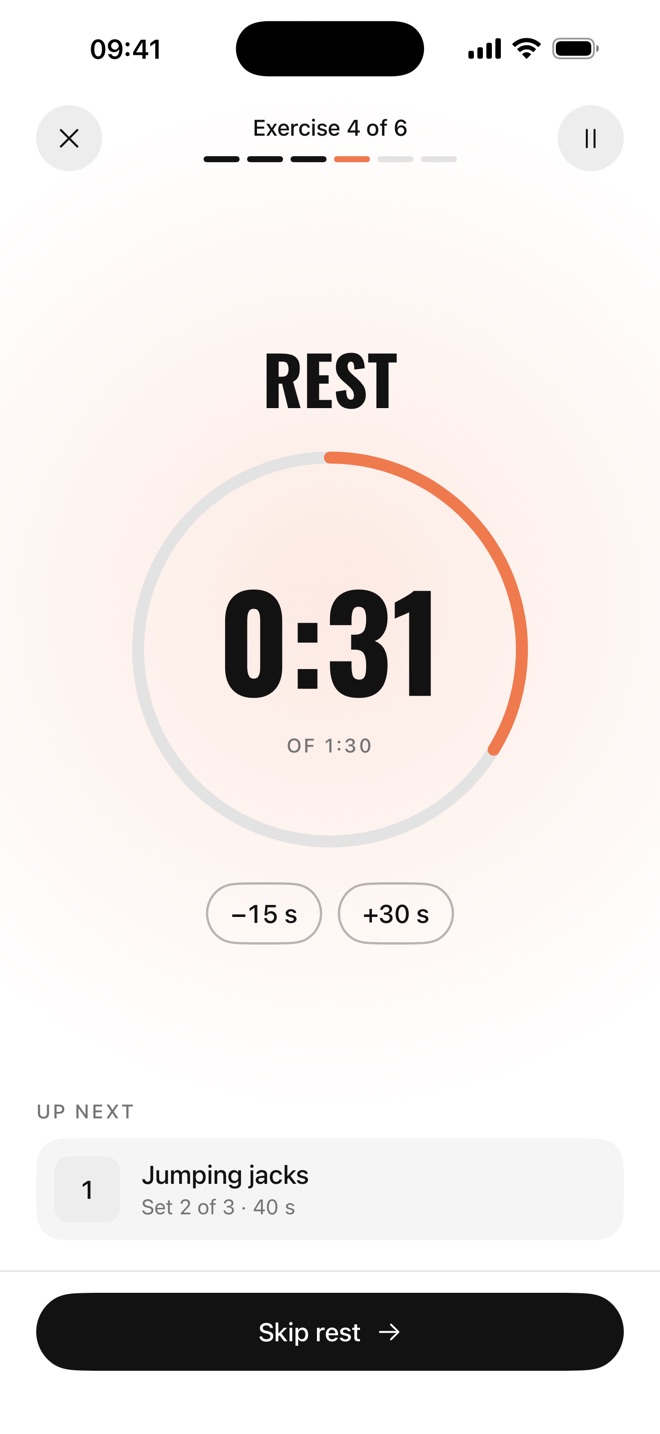
Feeling good? Skip rest, take 15 seconds off or add 30. The summary shows how much time you saved.
A tick on each of the last five seconds, with haptics. It plays over your music, even on silent.
Your workouts and history are saved on your iPhone and nowhere else.
How it works
12:45 total · 2 blocks · 5 exercises
01
Add timed exercises, naming them is optional. Group them into supersets and set your rest.
02
Follow the countdown, see your sets and what's up next. Sounds play over your music, even on silent.
Quick finisher · Thu, 29 Oct
Trained 3 of 7 days
03
Your time, the exercises you did, rest you skipped, your week at a glance, and how it felt.
Light and dark
Apple Watch
Start a workout on your iPhone or your Apple Watch and it starts on both. Pause, skip or add time on one, and the other follows.
The promise
Now on the App Store
Skip Rest is on the App Store for iPhone. It's free, and it always will be.
Free for iPhone with iOS 17 or later. Apple Watch with watchOS 10 or later.